Choose the plan that fit your catalog size and select it. You benefit from a 14-day free trial to take over the app and enjoy it.

Virtual Try-On App for Eyewear
Immersive experience on your ecommerce store
Help shoppers explore your eyewear collection with a lifelike virtual try-on experience.
Digitize your catalog in 3D, improve engagement, and make online purchases more confident.
-
 Home
Home
- VIRTUAL TRY-ON
-
Online Store App

Increase online conversion
Turn more product views into purchases and help reduce hesitation with an interactive try-before-you-buy experience.

Engaging shopping experience
Add Fittingbox Glasses Try-On to your store in just a few steps so shoppers can virtually try on frames directly from your catalog.
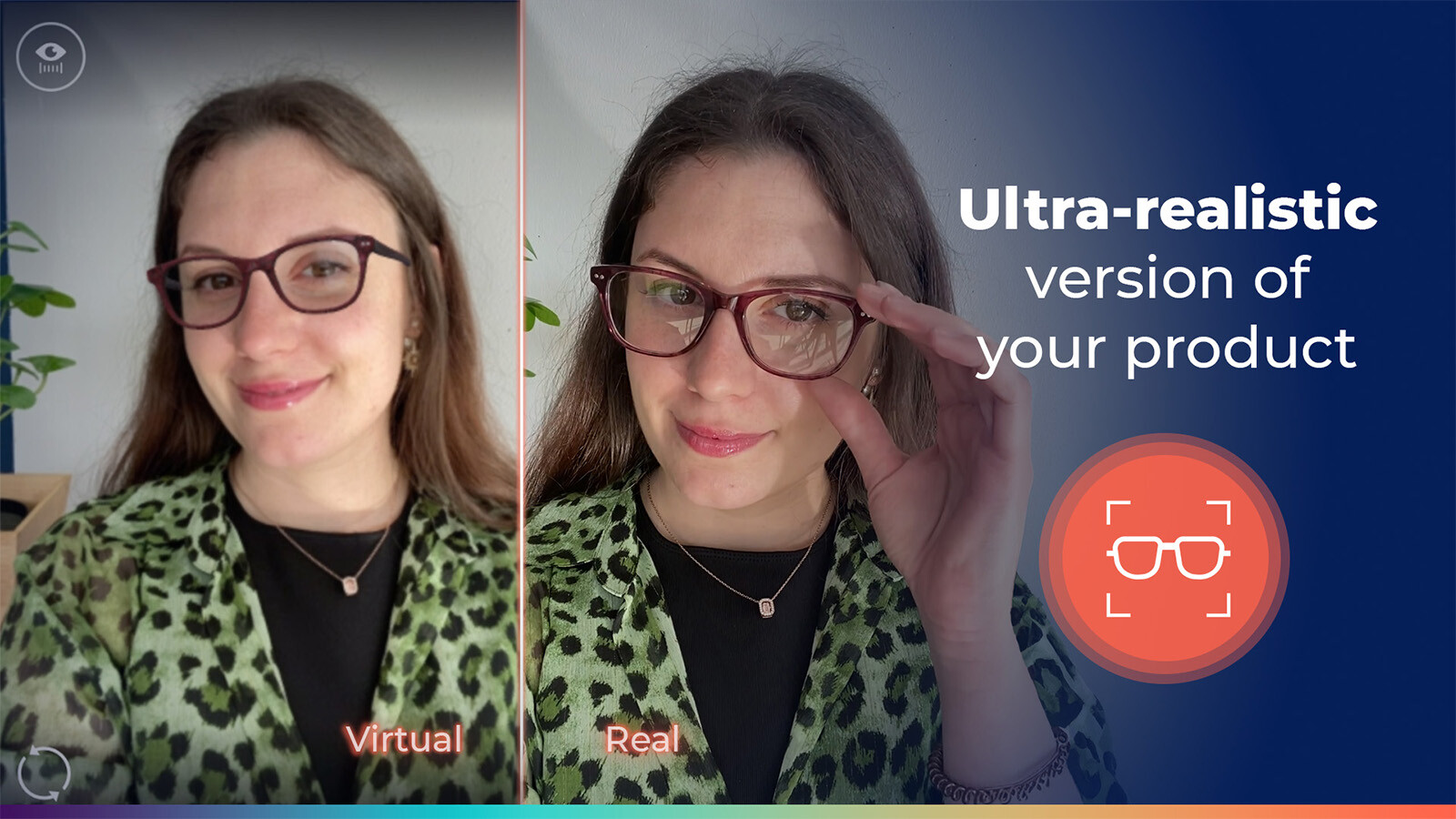
Ultra-realistic virtual try-on experience for online stores
Offer shoppers a real-time, lifelike rendering of your eyeglasses and sunglasses directly on your online store.
Rely on high-quality 3D frame visualization to display products more accurately, whether for prescription glasses or sunglasses.
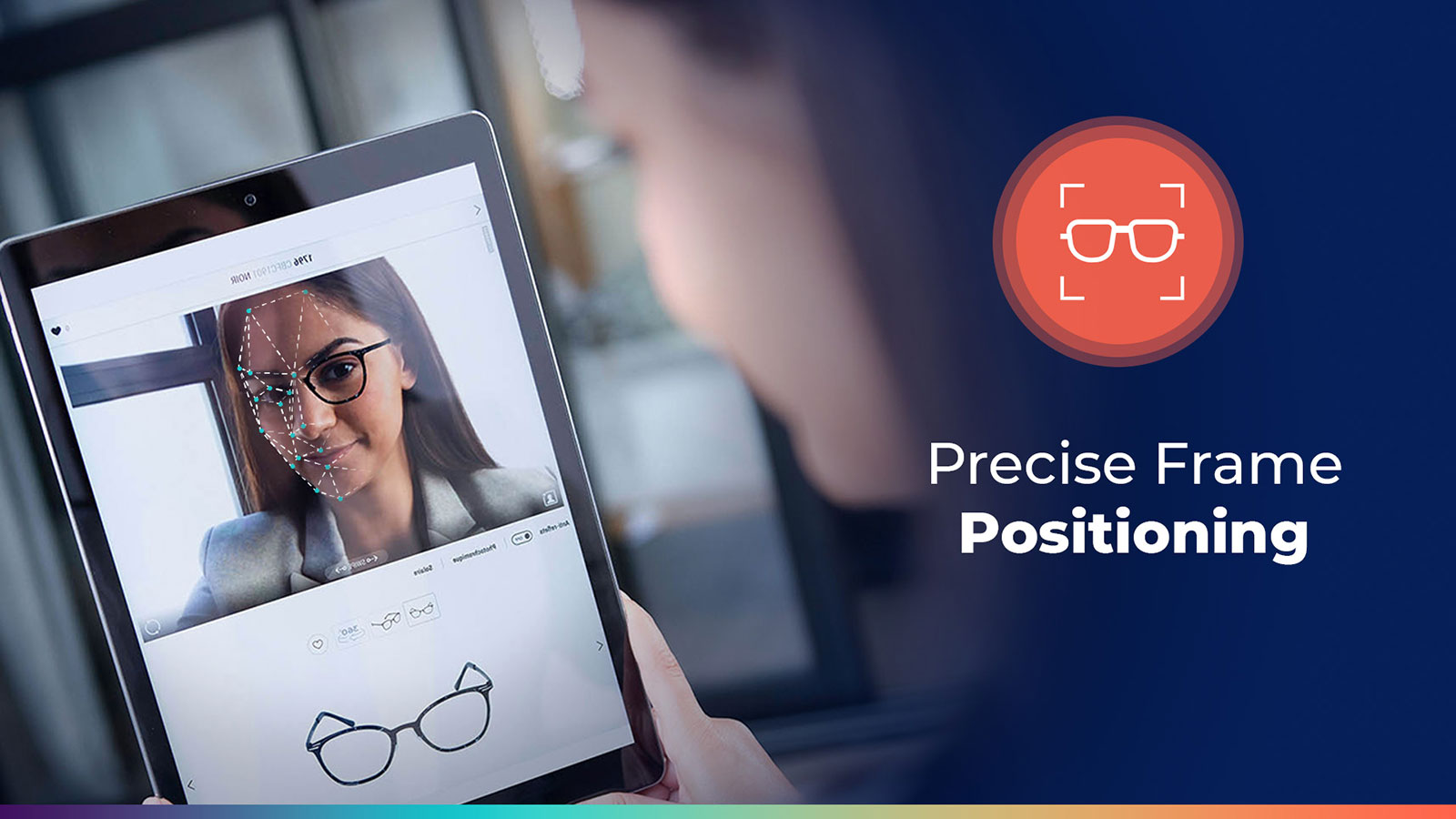
Precise and responsive frame positioning
Digital frames are placed accurately on the shopper’s face to create a more natural and convincing try-on experience.
Face detection and facial tracking help keep the rendering aligned in real time while the user moves.
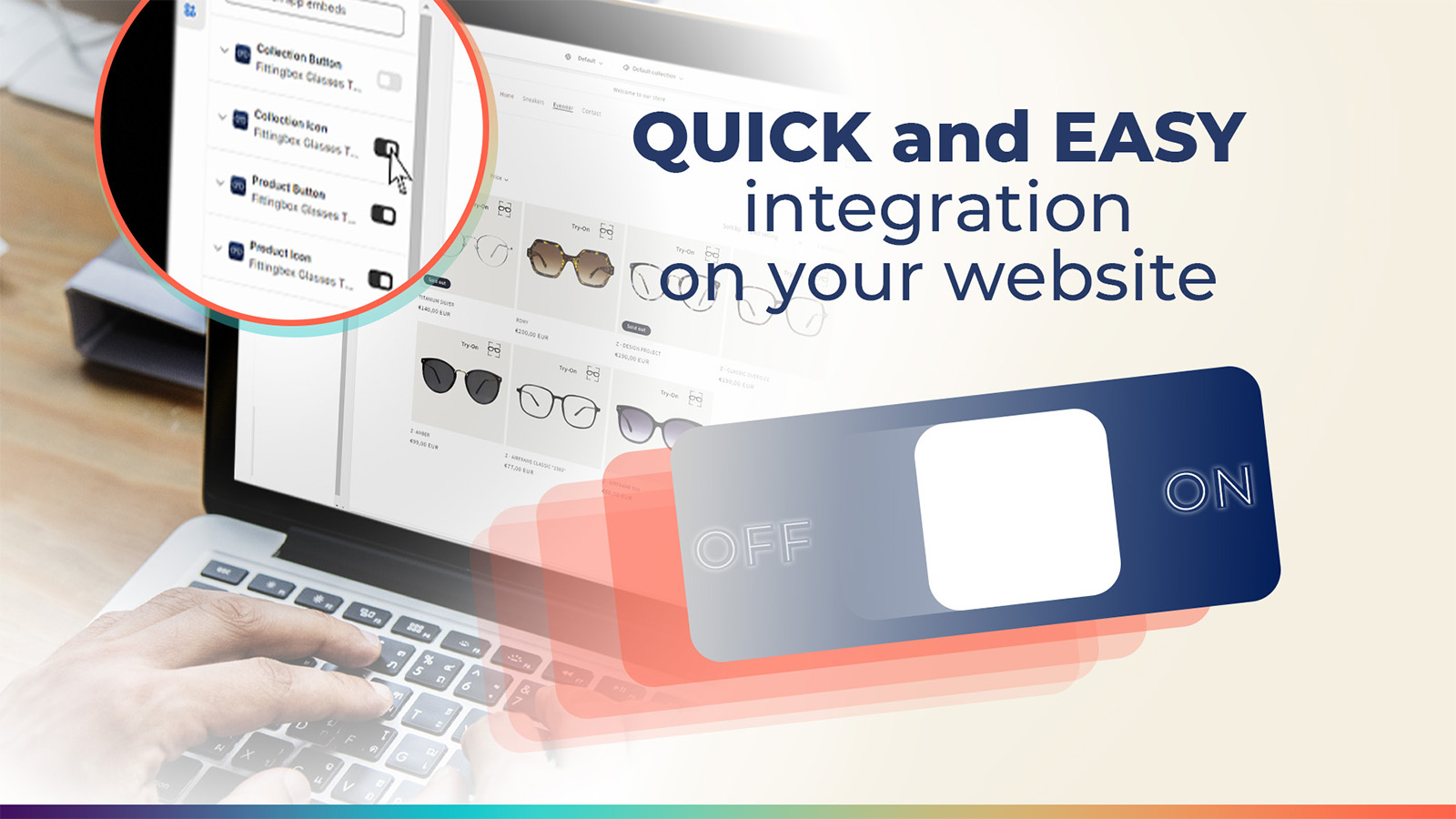
Fast setup on your ecommerce
Add Fittingbox Virtual Try-On to your storefront quickly and make the experience available across devices.
Create a seamless buying journey from product discovery to try-on, directly within your online shopping experience.
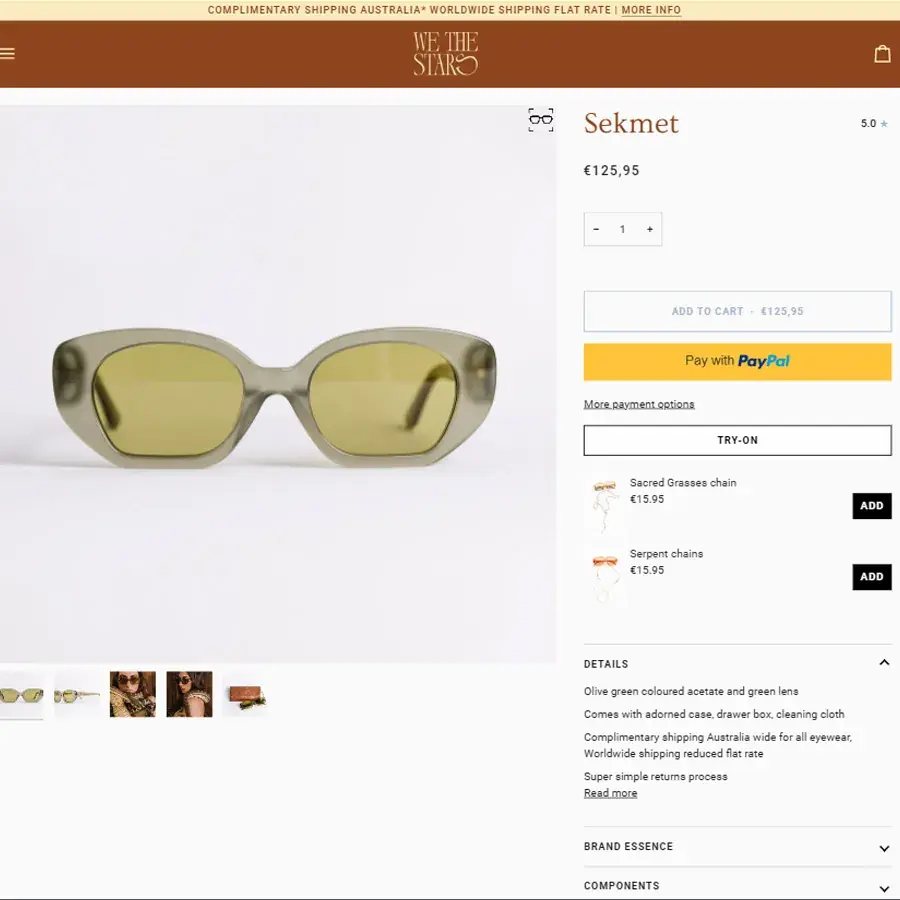
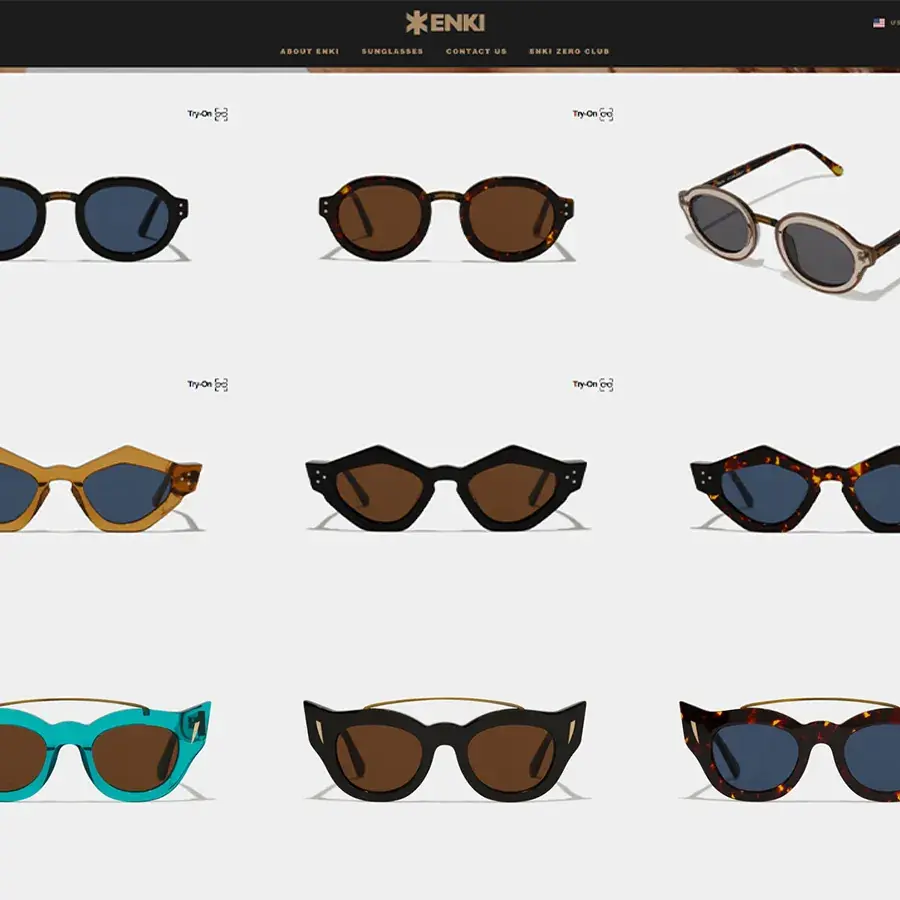
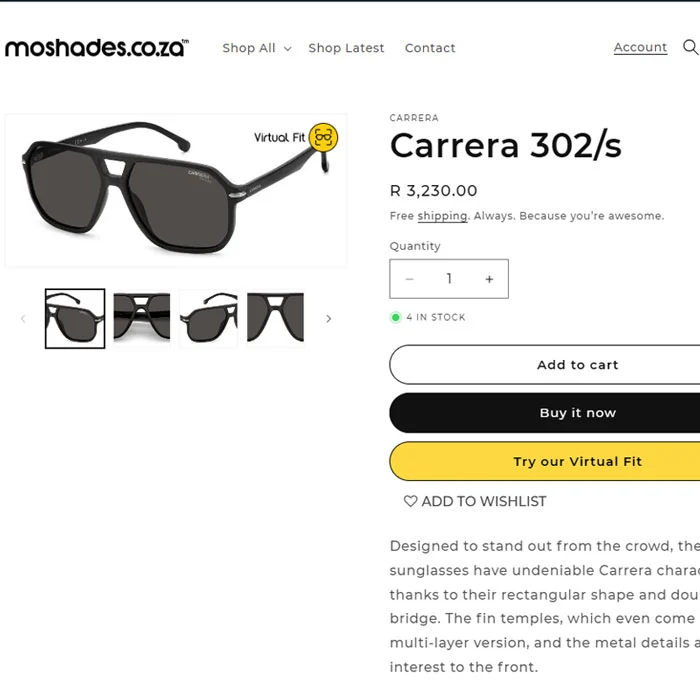

The FittingBox plugin provides an extremely convenient virtual try-on experience for customers shopping for frames on NURILENS. The plugin accounts for details like face shape, head positioning, and lighting conditions to render a realistic preview of how the frames will actually look when worn, which is really impressive. This level of accuracy helps customers better visualize and evaluate potential frame choices. The UX is very easy to follow as well.

Fittingbox integrates well with our Shopify store. This app offers customers a fun and interactive way to try on glasses virtually. The face tracking of the augmented reality try-on feature is impressive, based on user feedback; it accommodates different faces well, with the AR glasses moving well with your head when turning.

Very practical, easy to launch and the model preview generator was very close to reality. The team is easy to access and quick to respond. Highly recommended.

Useful Links
Corporate
Follow Us
© FITTINGBOX 2026 • Terms of use • Privacy & Legal