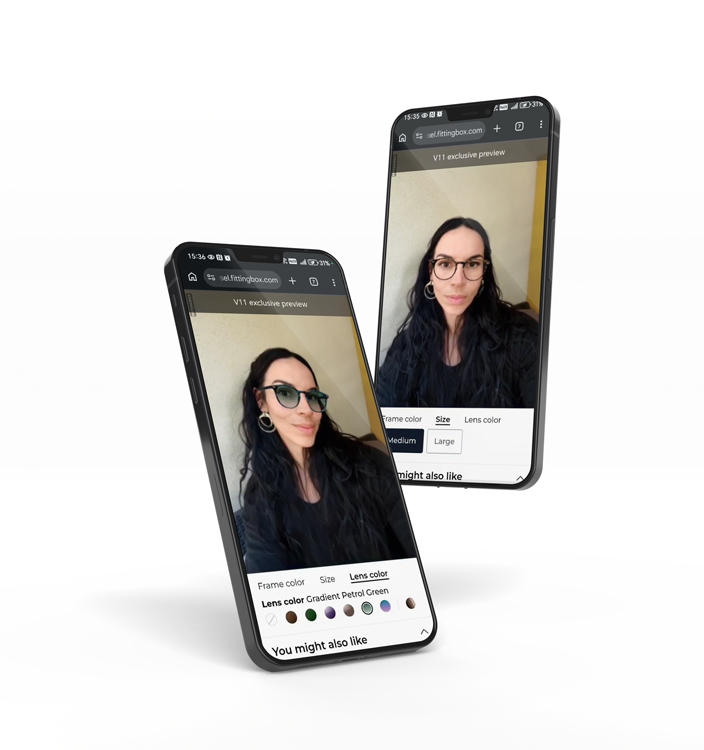
The best option for eyewear stores is usually a specialized glasses virtual try-on solution. Eyewear requires accurate face tracking, realistic frame rendering, and a smooth mobile experience because small inaccuracies can reduce shopper trust.


Your Shopify store can have great products and still lose sales when shoppers cannot picture fit, scale, or shade. That gap creates hesitation, abandoned carts, and expensive returns.
In 2026, try-on experiences are a practical way to improve user experience, increase conversion rate, and reduce return-driven costs, especially for glasses, clothes, shoes, cosmetics, jewelry, and furniture.
A try-on feature should be treated like a revenue project, not a design add-on. Returns remain a major margin leak for ecommerce. The NRF “Retail Returns Landscape” projects $849.9B in total retail returns and estimates 19.3% of online sales will be returned (latest available report). That is why the best Shopify apps in this space focus on confidence and clarity, not just a wow effect.

Most teams install a try-on app and then struggle to prove ROI. In 2026, you can avoid that by defining the business goal upfront and tracking outcomes like you would for any CRO initiative.
A simple best practice: instrument events (open try-on, switch variant, add to cart after try-on) and segment by device. Many stores discover that mobile try-on users convert at a higher rate because the camera journey removes doubt quickly.
Here is a practical list of the 10 apps you can evaluate in 2026, organized by category. When possible, each category includes two options so you can compare approaches.
| Category | Apps | Best for | Key strength | Watch-out |
| Clothes | GenLook | AI try-on visuals | Scalable catalog visuals | Less precise fit |
| Clothes | Antla | Quick rollout | Simple try-on UX | Limited depth |
| Glasses | Fittingbox | Eyewear ecommerce | Realistic and accurate eyewear try-on | Specialized for Eyewear brands |
| Glasses | Auglio | General eyewear | Easy setup | Less precision |
| Shoes | WEARFITS | AR try-on | Immersive experience | Needs 3D assets |
| Shoes | 3D4Shoes | 3D shoe viewing | Product detail clarity | 3D Viewer |
| Furniture | Zakeke | Customization | Configurable 3D | Not pure try-on |
| Furniture | LEVAR | AR placement | Spatial view | Needs assets |
| Jewelry | mirrAR | Accessories | Engaging preview | Niche use case |
| Cosmetics | Auglio | Makeup | Shade preview | Limited depth |
For clothes, the friction is simple: shoppers do not know how an item will look on them. AI-based try-on helps them visualize a garment on their own photo, which can increase confidence and reduce returns tied to “not as expected.” The two apps below take a similar direction, but your best choice depends on your product types, image setup, and how you want the experience to appear on the product page.
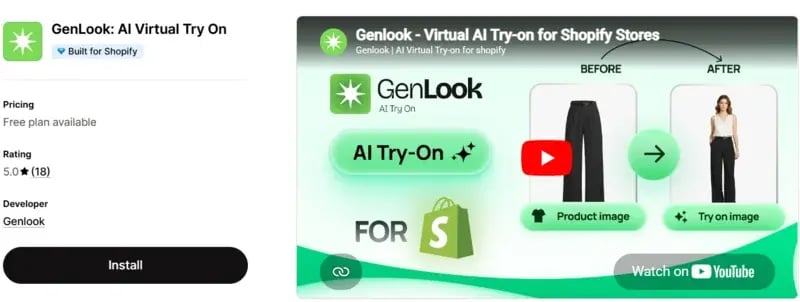
GenLook focuses on AI-generated try-on images that help shoppers evaluate style before purchase. This is useful when your catalog has many similar cuts or when your customers need reassurance about how a piece fits their look.
Shopify app: https://apps.shopify.com/genlook-virtual-try-on
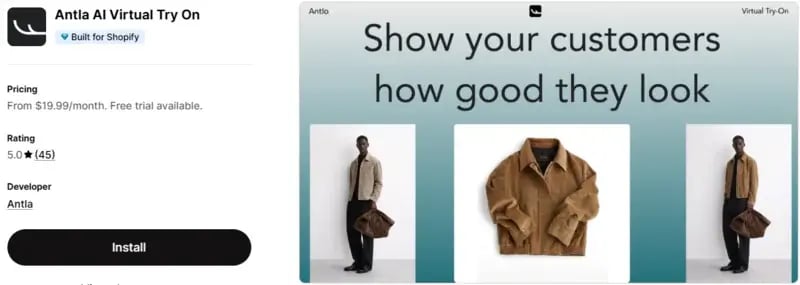
Antla is another AI-driven try-on app designed for fashion stores. It is best used when you want a simple rollout across many product pages and a clear “see it on me” workflow.
Shopify app: https://apps.shopify.com/antla
Implementation tip for clothes: keep try-on entry points consistent across collection pages and product pages. Then test a single KPI first, like assisted conversion among users who launch the experience.
Glasses are a high-stakes product for ecommerce because fit perception and style are tied to the face. If the experience feels inaccurate, shoppers leave. If it feels realistic and correctly scaled, it reduces doubt quickly and supports conversion.
This category is where specialized technology matters most. You should prioritize accurate face tracking, realistic rendering, and sizing reassurance. Below are two options for eyewear try-on in Shopify.
Fittingbox Virtual Try-On for Shopify is built specifically for eyewear ecommerce. It combines face-based positioning, realistic frame rendering, and eyewear-specific visualization to help shoppers evaluate style, scale, and fit before buying.
Shopify app: https://apps.shopify.com/glasses-virtual-try-on-by-fittingbox

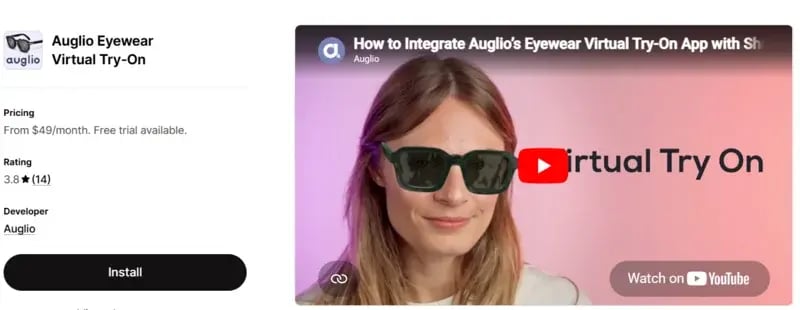
Auglio’s eyewear try-on app is another option for glasses merchants. It focuses on camera-powered fitting and includes features designed for eyewear workflows.
Shopify app: https://apps.shopify.com/magic-mirror-fashion-optics-jewelry
Eyewear add-on that increases confidence: if you sell prescription lenses, consider adding online PD measurement so customers can complete their order with less friction.
Shoes are a return-prone category because the shopper is trying to predict both style and fit. While sizing guidance is still essential, interactive 3D and AR can remove a big chunk of style uncertainty. The best approach is to combine visualization with clear fit information, reviews, and size charts.
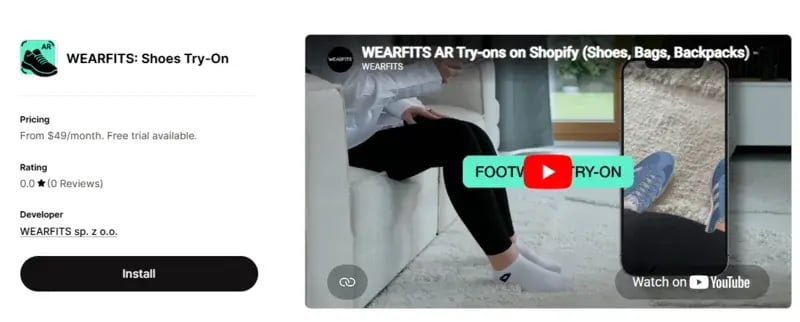
WEARFITS focuses on shoe try-on experiences built around 3D and AR. It is positioned for merchants who want immersive product views that help customers evaluate a pair before buying.
Shopify app: https://apps.shopify.com/wearfits-tryon
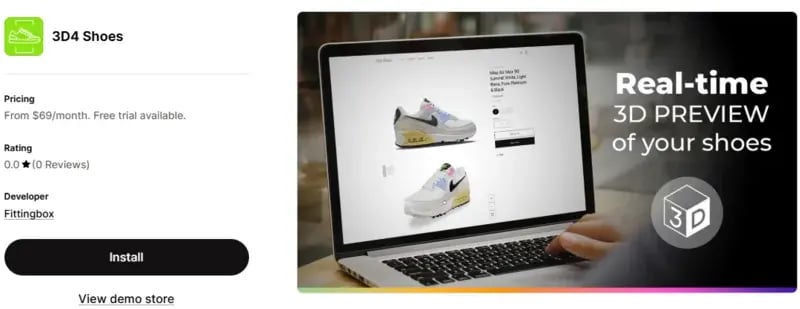
3D4Shoes focuses on a 3D viewer experience for footwear product pages. It is useful when your goal is to help customers inspect details, rotate, zoom, and judge materials before purchase.
Shopify app: https://apps.shopify.com/3d4shoes
Implementation tip for shoes: put the interactive experience above the fold on mobile, then reinforce fit confidence using reviews and a clear size block.
Cosmetics purchases depend on shade and how a product looks on the shopper’s face. Photos help, but they rarely answer “Will this lipstick or blush work for me?” Live makeup try-on reduces shade anxiety and can lower returns tied to wrong color expectations.
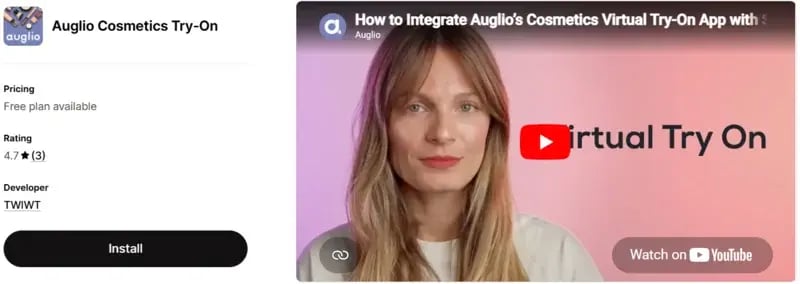
Auglio Cosmetics Try-On provides a real-time makeup preview using the shopper’s camera. It is designed for common beauty products like lipstick, blush, and eyeshadow, helping customers see results instantly.
Shopify app: https://apps.shopify.com/make-up-magic-mirror-html5-widget
Cosmetics note: this category includes one selected Shopify app because fewer dedicated try-on solutions are currently available compared with other categories.
Jewelry shoppers often want to see scale and style on their own body before they commit. Try-on helps close that gap and can increase confidence for high-consideration items like rings and earrings.
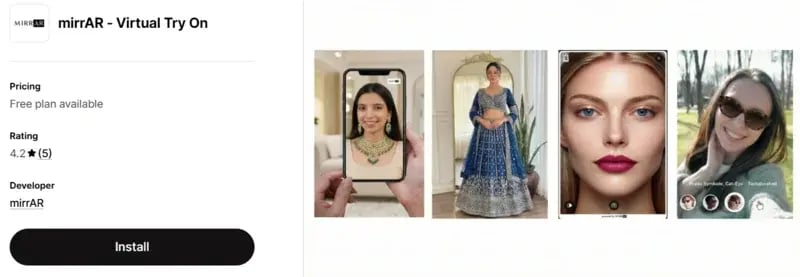
mirrAR supports try-on experiences across items like jewelry and accessories. For a Shopify store, this can improve engagement and help customers move from browsing to buying with more confidence.
Shopify app: https://apps.shopify.com/mirrar-app
Jewelry note: this category includes one recommendation because fewer dedicated jewelry try-on apps were included in the source list.
Furniture is a classic scale and space problem. Customers want to know if something fits their home and matches their style. In 2026, 3D and AR experiences help answer that faster and can reduce costly returns. Two apps in this category cover different strategies: one leans into customization and configuration, the other leans into AR placement and 3D distribution across channels.
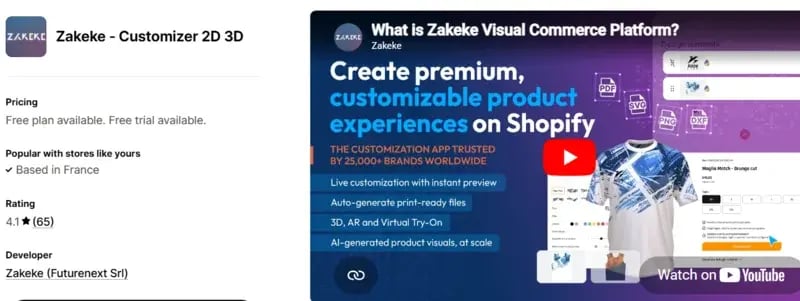
Zakeke combines product customization with real-time 3D and AR experiences. It is useful when you sell configurable items and want customers to personalize products before purchase.
Shopify app: https://apps.shopify.com/zakeke-interactive-product-designer
LEVAR focuses on 3D and AR distribution for ecommerce. For furniture and home goods, its “see in your space” approach helps customers evaluate size and placement before they buy.
Shopify app: https://apps.shopify.com/levar-final
If you also want interactive product exploration beyond try-on, a dedicated viewer can strengthen merchandising. For eyewear specifically, consider a 3D viewer to highlight materials and details that static photos miss.
The best way to deploy try-on is to start with a small, high-intent set of products. Launch on your best sellers first, measure impact, then scale. This approach reduces risk and makes ROI visible to stakeholders.
Select 20 to 50 SKUs with strong traffic, stable inventory, and consistent imagery. For glasses, prioritize top frame shapes. For clothes, prioritize best-selling silhouettes. For furniture, prioritize items where size uncertainty causes customer service questions.
Once you see impact, expand to the next product tier and apply learnings. This is also when your content operations matter. For example, eyewear brands often build a long-term 3D pipeline to scale frame assets smoothly across launches.
The best virtual try-on Shopify apps in 2026 are not interchangeable. The right choice depends on your category and the type of uncertainty you need to remove.
Apparel teams often prioritize fast AI visuals. Furniture brands need spatial understanding through AR. Eyewear retailers should be more demanding, because small inaccuracies can break trust.
For glasses, a specialized solution like Fittingbox is typically the safer choice when realism and trust matter most. Start with a focused pilot, measure assisted conversion and returns, then scale what works.

The best option for eyewear stores is usually a specialized glasses virtual try-on solution. Eyewear requires accurate face tracking, realistic frame rendering, and a smooth mobile experience because small inaccuracies can reduce shopper trust.
Yes. Virtual try-on can support conversion by helping shoppers visualize products before buying. For categories like glasses, clothing, cosmetics, jewelry, shoes, and furniture, it reduces uncertainty and gives customers more confidence at the decision stage.
Track assisted conversion, add-to-cart rate after try-on, return reasons, and performance on try-on-enabled product pages. The most useful comparison is often between shoppers who used the experience and shoppers who did not.
Most Shopify apps are designed for faster integration than custom development, but setup complexity depends on the product category. Eyewear and shoes often require higher-quality assets, while AI clothing try-on may be easier to test across a larger catalog.
It is usually better to start with a focused pilot on best-selling products. This helps your team validate performance, collect user feedback, measure business impact, and scale the experience with less operational risk.
Request a demo, a quote or set up an appointment with one of our sales representatives.
CONTACT US
© FITTINGBOX 2026 • Terms of use • Privacy & Legal